Local-first sound level monitoring
Read the room. Keep the record.
A realistic sound meter for quick checks, focused live monitoring and timestamped sessions—without saving raw audio.
Built for Android, iOS and compatible Huawei devices. Public store listings are not available yet.
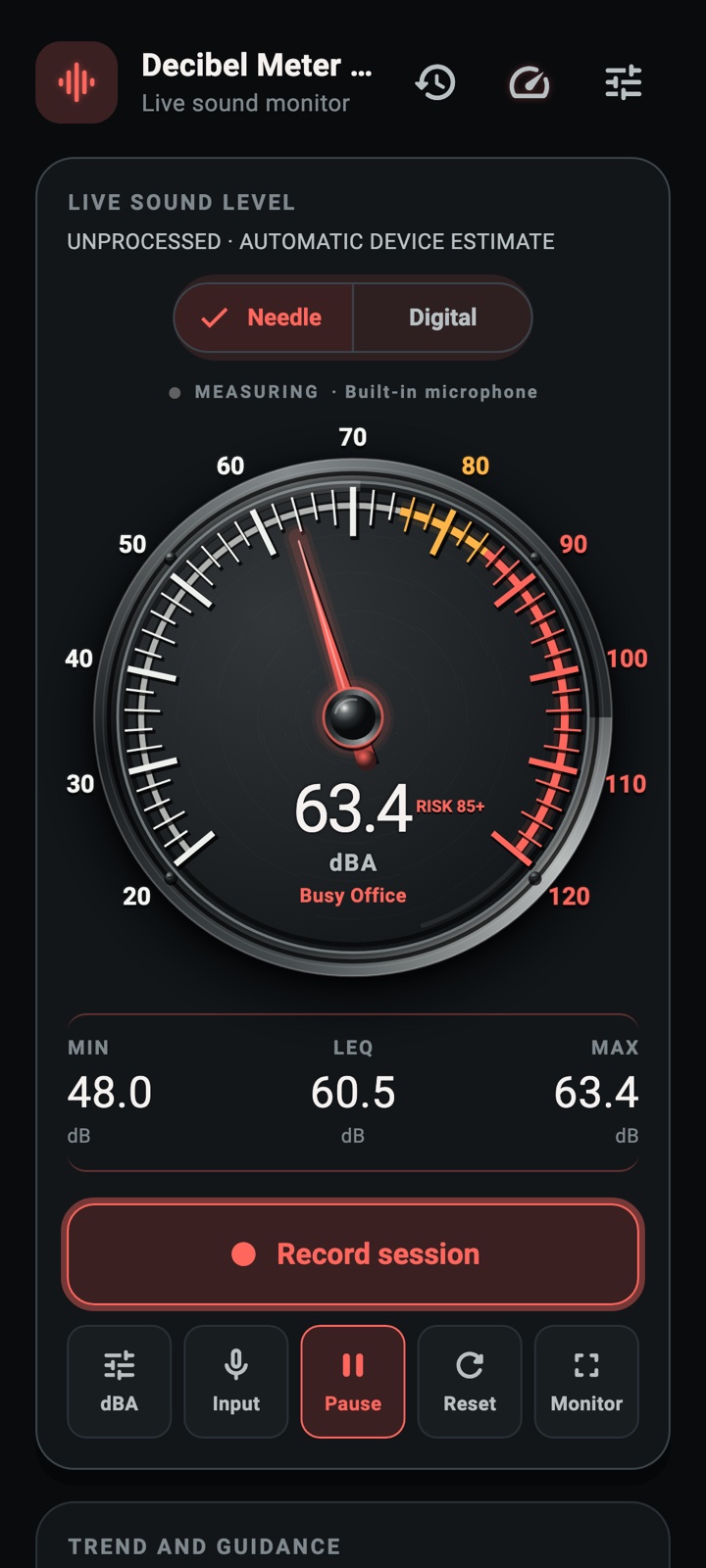
- Current level
- Large, glanceable live reading
- Session detail
- Min, max, average, Leq and peak
- Audio handling
- Processed on device, never saved
- Measurement class
- Consumer estimate, not certified
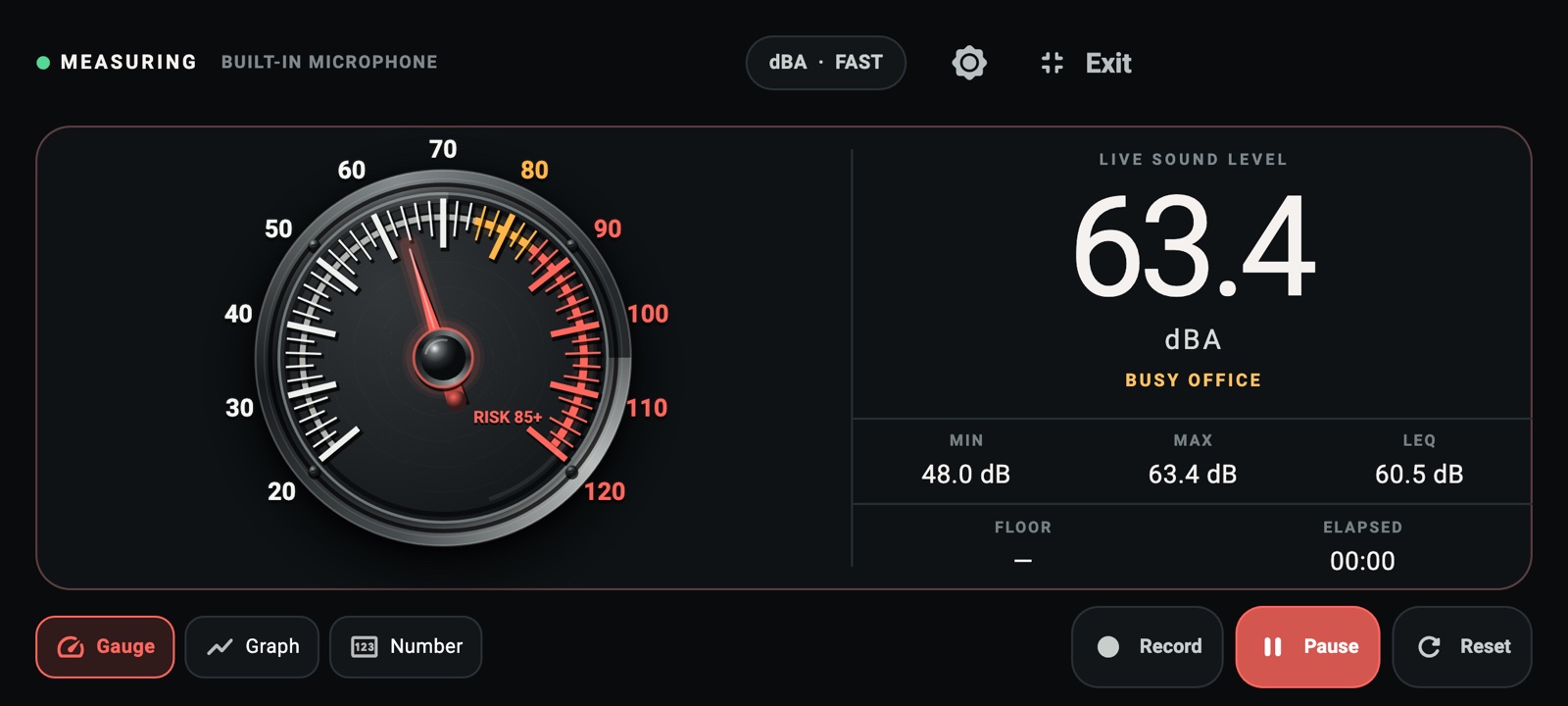
01 · Full-screen monitor
The reading stays in command.
Turn the phone sideways for a wide, distraction-free instrument with gauge, graph or number-only layouts. Min, max and Leq remain visible while the session continues.
02 · Selectable instruments
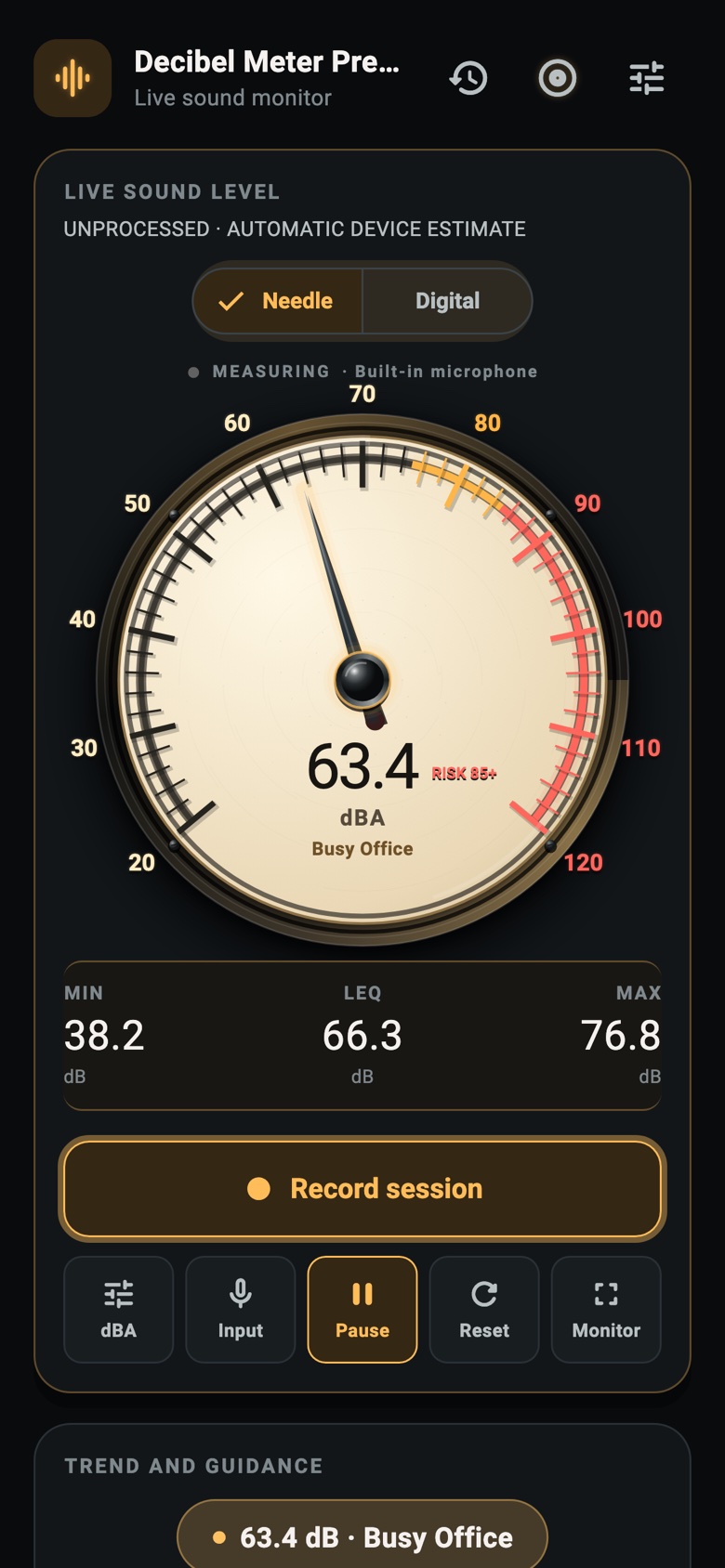
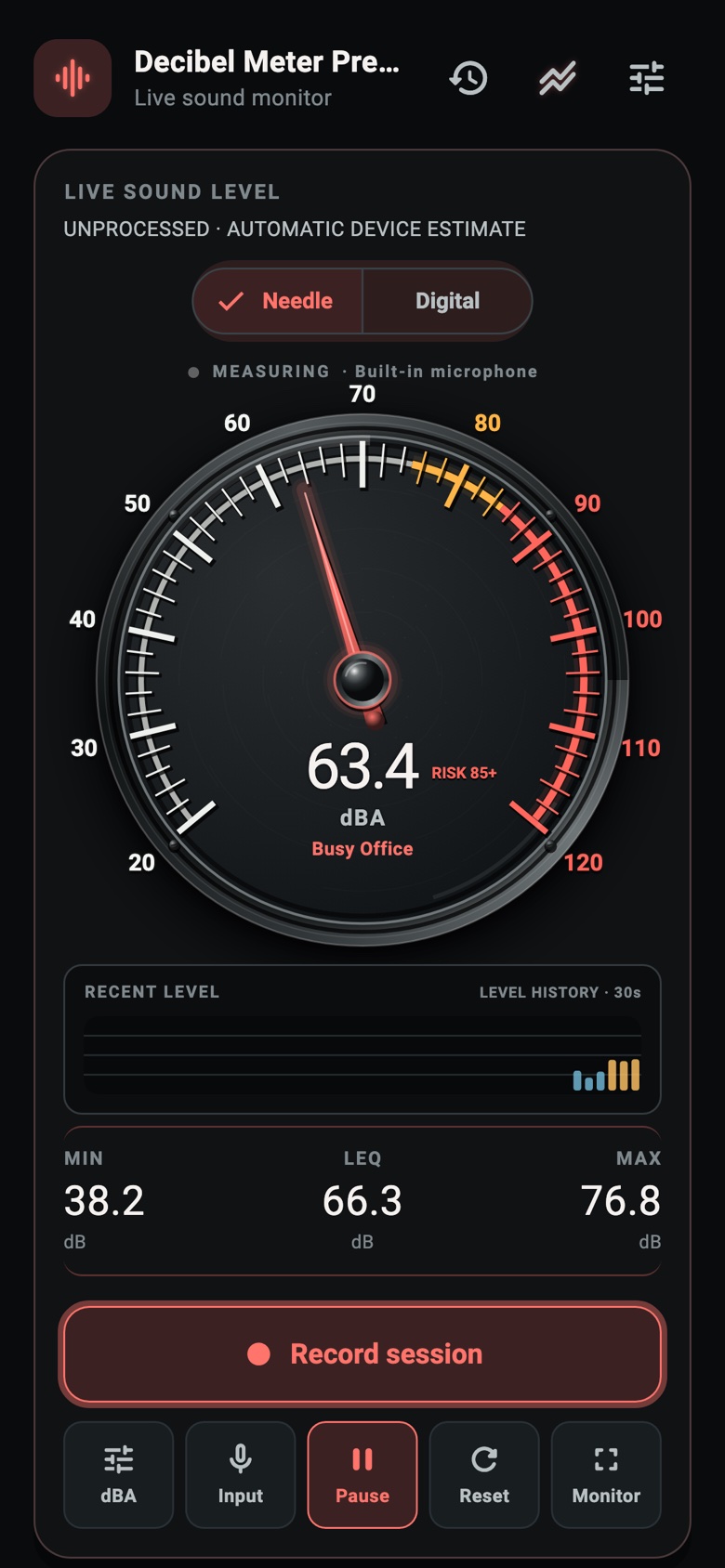
One meter. Three physical personalities.
Choose a dark precision instrument, a warm studio VU face or a compact field meter. The measurement stays consistent while the instrument changes around it.
03 · Sessions and reports
A measurement you can revisit.
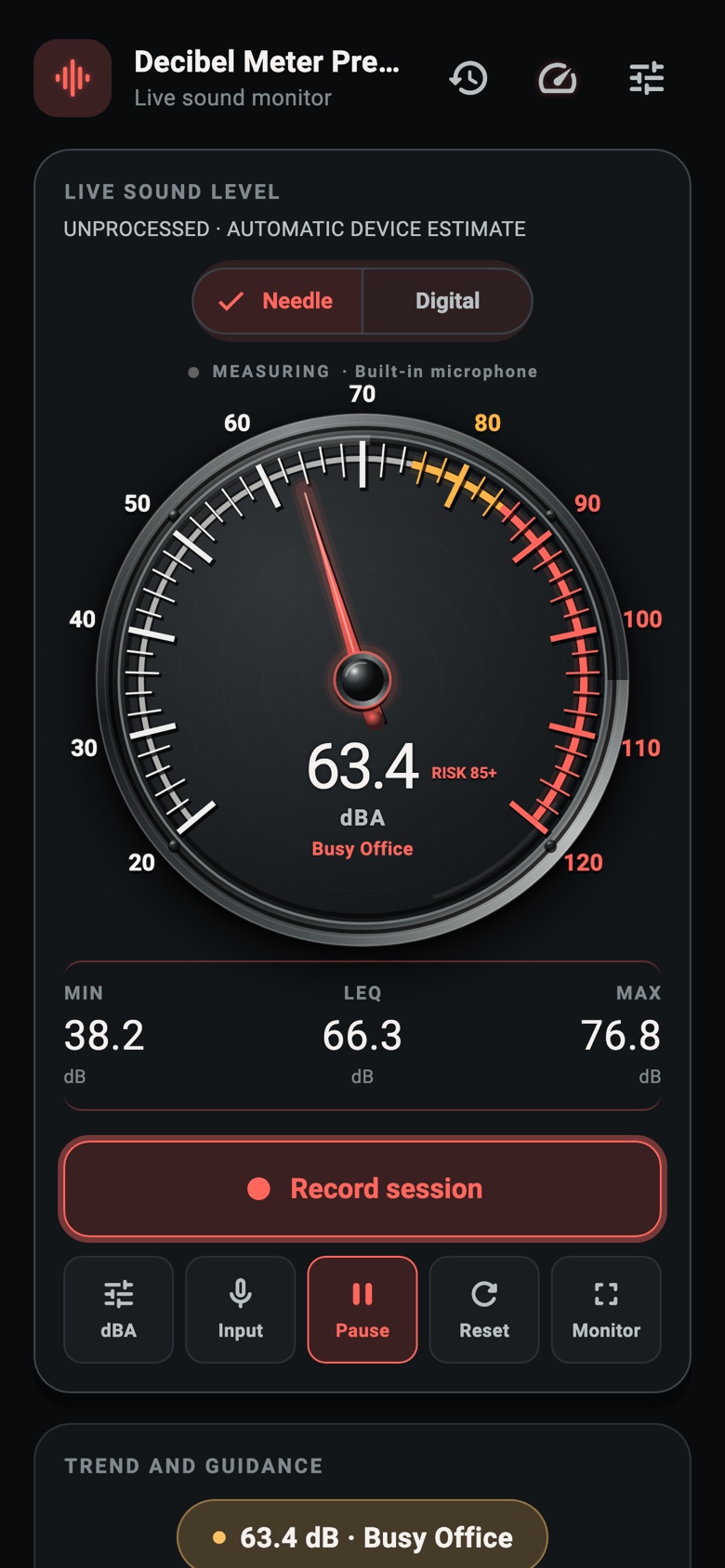
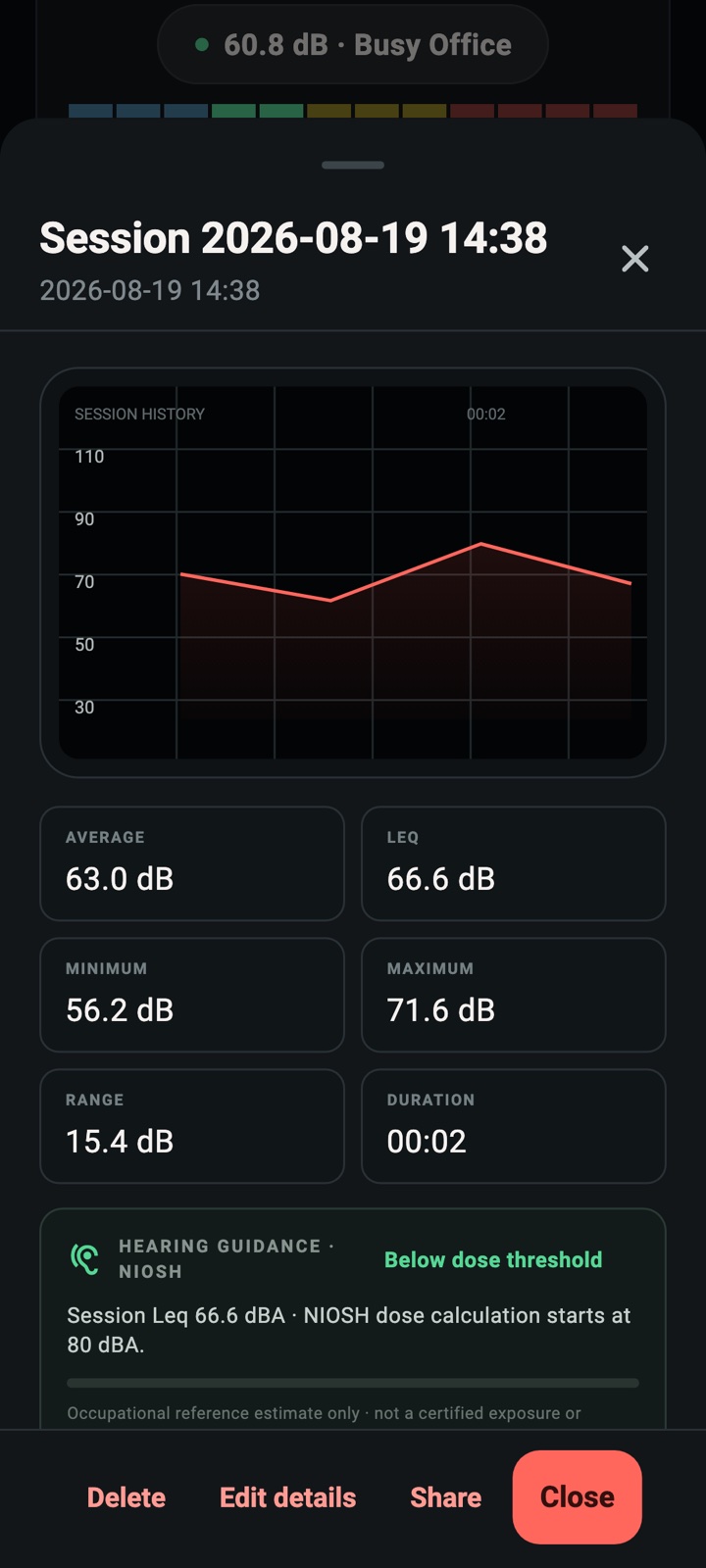
Record timestamped sound-level samples, add an optional name, location label or notes, then review the graph and summary later.
Useful session context
- Minimum, maximum, arithmetic average, Leq, peak, range and duration.
- Weighting, response, device profile and microphone route history.
- User-initiated PDF, PNG and CSV sharing.
Local by default
The newest 50 sessions stay in protected app storage. The app does not upload saved-session content, and raw microphone audio is never stored.
04 · Trust boundaries
Clear about what the phone can measure—and what it cannot certify.
- Microphone
- Used while measuring. Raw audio is not saved, uploaded or shared.
- Diagnostics
- Optional pseudonymous Firebase diagnostics are off until the user opts in.
- Deletion
- Delete individual sessions or use Delete all local data inside the app.
- Accuracy
- Results are consumer estimates affected by the microphone, route, case, processing and position.
05 · Cross-platform
A native measurement path on every platform.
The interface is shared, while time-critical microphone capture and signal processing stay behind native Android/Huawei and iOS boundaries.
- Android
- iOS
- Huawei
Built for practical monitoring
Switch A, C or Z weighting and Fast, Slow or Impulse response. Inspect the active microphone route, clipping and automatic device estimate before relying on a reading.
Not a legal instrument
Decibel Meter Premium is not independently certified as a regulatory sound-level meter. Use approved equipment for legal, occupational-compliance or emergency decisions.
06 · Frequently asked
Straight answers before you measure.
Does Decibel Meter Premium record audio?
No. Microphone samples are processed on the device to calculate sound-level estimates. Raw audio is not saved or uploaded.
Is it a certified sound level meter?
No. Results are consumer estimates affected by the phone, microphone route, case, processing and position. Do not use the app for regulatory, legal, occupational-compliance or emergency decisions.
Where are saved sessions stored?
The newest 50 sessions remain in protected app storage. You can delete sessions individually or use Delete all local data from the app’s privacy guidance.
Can I use an external microphone?
The app can identify compatible wired, Bluetooth and USB input routes. Actual behavior varies by device and accessory, so confirm the active route before measuring.
When can I download the app?
Public store listings are not live yet. This website will link only to verified Google Play, Apple App Store and Huawei AppGallery listings after release.
Release status
Store release is being prepared.
No fake download buttons here. Verified store links will appear only after the corresponding public listings exist.